

📝 What you’ll learn in this article
- Why couldn’t I log in to my own artist account for 2 months?
- After battling support — even sending developer-tools screens — what was the “unbelievable fact” that came to light?
- How did I break through the completely stuck situation?
This time, the story is about Displate — the platform I can say was “the most troublesome” in this whole Overseas Side-Job Journal.
Previous: PayPal Registration and the True Identity of the Bank Problem
What Kind of Site Is Displate?
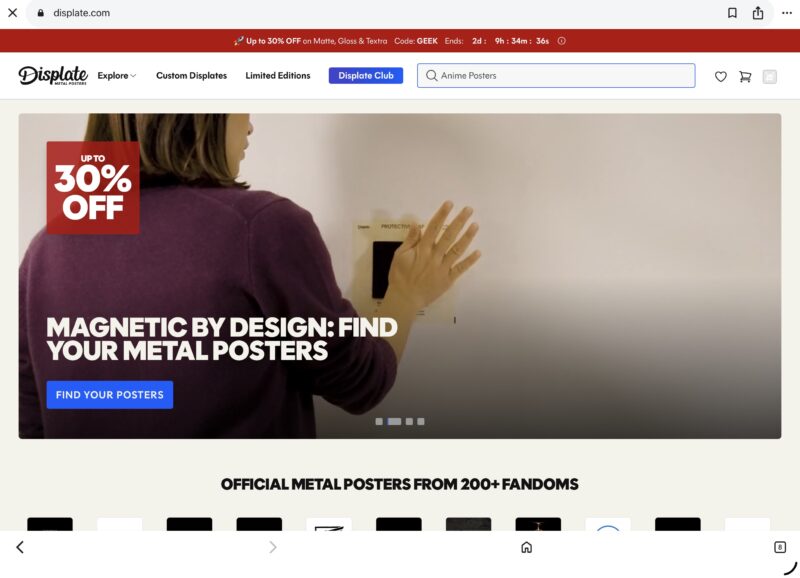
Many of you may be hearing the name “Displate” for the first time. Let me introduce it briefly.
It’s not well known in Japan yet, but it’s an online marketplace specializing in metal posters, born in Europe and grown to a global scale. If your work is accepted, it can be delivered to people around the world as art that can be hung on a wall as-is, without a frame. …Or so it was supposed to be.
But in reality, before even uploading works, I couldn’t even log in to my own account. And that state continued for about two months.
Where I Always End Up Is the “Collector’s” Room
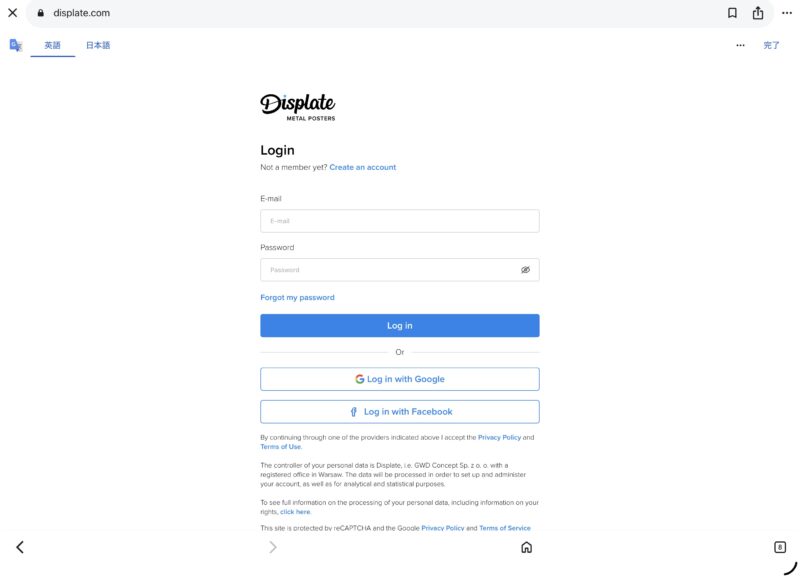
I had registered with Displate a while ago. To upload works as an artist, you need to access “My Artist Profile” after logging in.
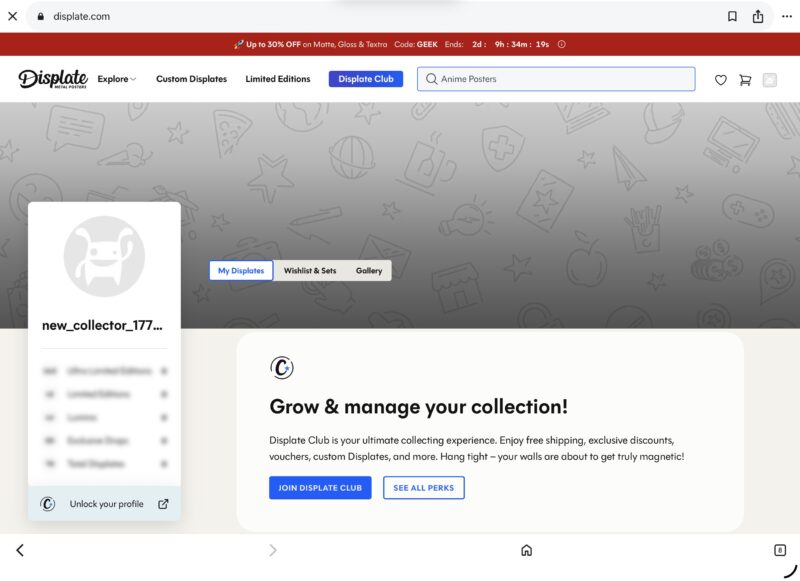
However, when I log in with my Google account, what appears every time is the screen for “Collectors.” The menus lined up are only these three:
- My Displates
- Wishlist & Sets
- Gallery
The crucial “My Artist Profile” is nowhere. No screen to register works, no screen to check sales.
Strangely, though, if I type the artist profile URL directly, that page itself does display. The shelf for lining up works is there too. Yet with the normal login procedure, I’m always sent back to the collector screen.
Holding the same membership card, yet being guided to a different room every time. That puzzling state continued for a long time.
Asking Support for Help
Giving up on solving it myself, I asked Displate’s support for help, borrowing AI’s power. I explained the situation in English — “when I log in with my Google account, the collector screen is displayed instead of the artist profile” — and sent it. Of course, the English email was made by AI, laughs.
An automated reply arrived immediately. Along with the note “please allow up to 4 business days for a response,” it even had a photo of “Puszek,” a cat working as support staff, attached.
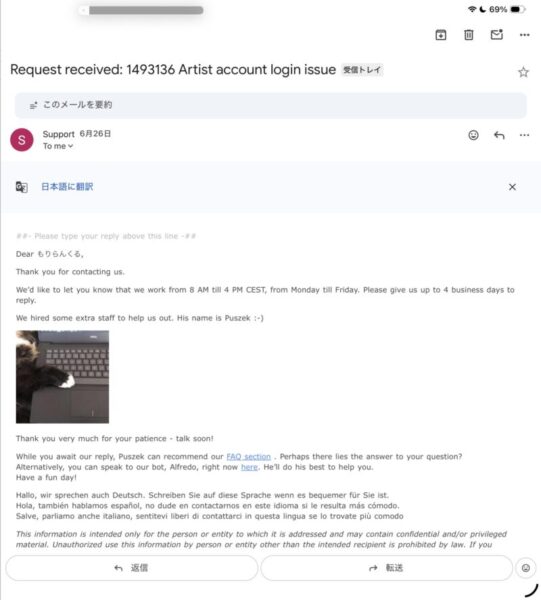
Soothed a little by this overseas-style playfulness, I decided to wait for a reply from a real person in charge.
“Please Try a Different Browser, with Cookies Deleted”
The first answer, which arrived a few days later, was the usual triage: “Please try again in a different browser, with cookies deleted.”
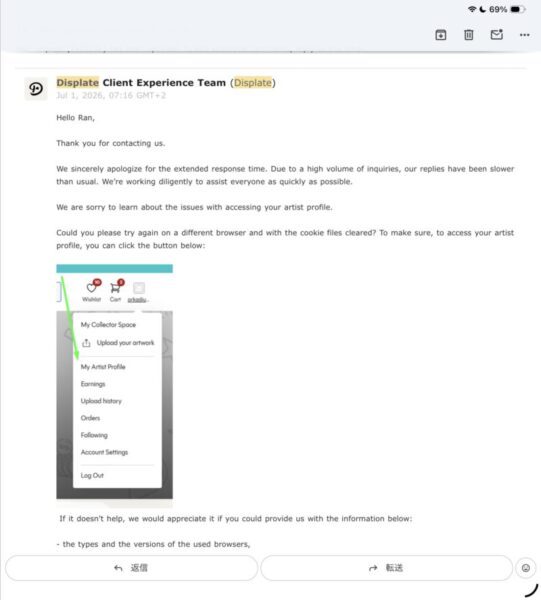
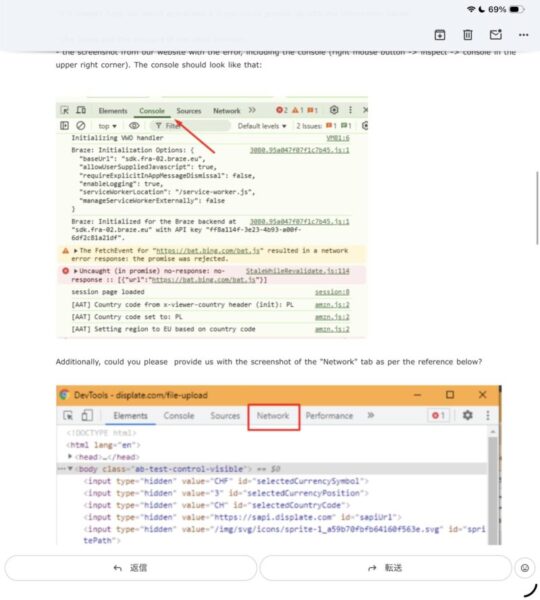
Honestly, I didn’t think this would fix it. Even so, just in case, I decided to verify thoroughly together with AI. I opened Chrome’s private window, and from a state with no cache or cookies left at all, accessed the artist profile URL directly. From there, I redid the Google login.
The result was… exactly the same. No matter how many times I tried, I was guided to that collector screen.
Here I got a little stubborn. I opened Chrome’s developer tools (DevTools) and even took screenshots of the Console and Network tabs. Furthermore, I attached my own (& AI’s) hypothesis — “might it be that the Google account and the artist account aren’t correctly linked on the server side, rather than a browser or cookie issue?” — and sent it as a follow-up.
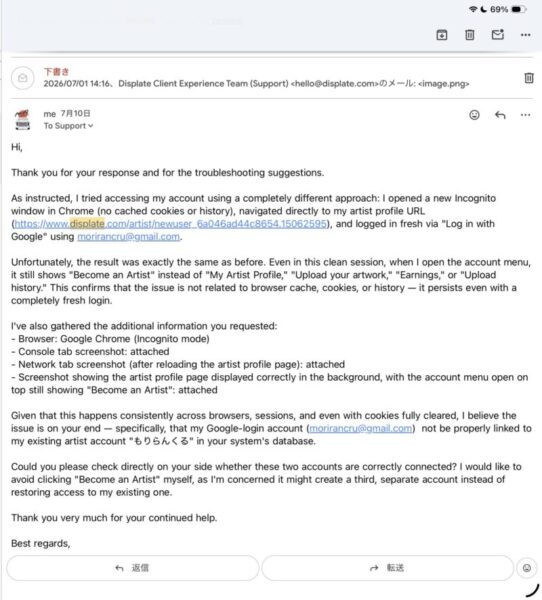
Never did I think the day would come when I’d open developer tools for Displate, laughs.
The Reply Made Me Look Twice
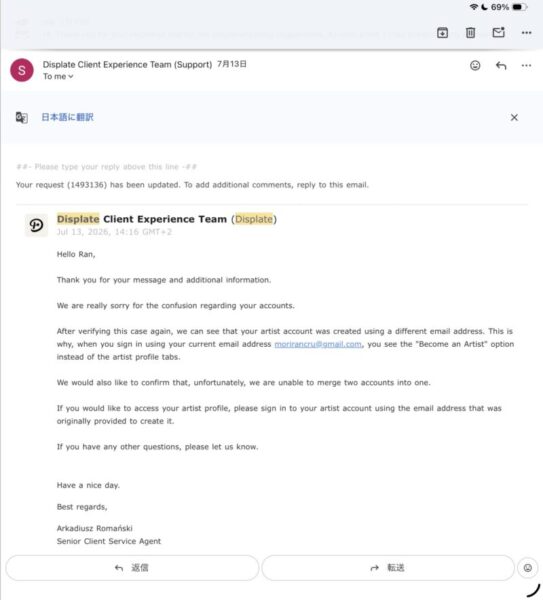
A few days later, the reply that finally came said something I never expected.
“Your artist account was created with a different email address.”
That’s why, when I log in with my usual email address, a general user (collector) account is displayed instead of the artist profile.
…Eh? A different email address? I have absolutely no memory of that.
And as if to pile on, it continued: “The two accounts cannot be merged.”
In other words, the artist account existing before my eyes is a separate thing from the account I normally use. And it can’t be merged now, either. After all this investigation, the conclusion was the unbelievable “it was a separate account all along.”
Fortunately, There Was Nothing to Lose
Here there was one saving grace. That artist account had not a single work registered yet. If I had uploaded dozens of works, I think I would have been quite depressed.
“If it can’t be merged, I’ll just make a new one.” With that change of mindset, I proceeded to a new registration that very day.
At the Registration Form, Another New Wall
I filled in the registration form with my usual email address and submitted. Then, this time, an error like this appeared:
“This email address is already registered as a general user.”
…Of course (laughs). It seems my usual email address already existed as a “collector account.”
The same email address can’t be used. Making a new email address is a hassle. At that moment, AI taught me a secret trick!!
If I’d been alone… I would have been completely stuck at this point, laughs.
Breaking Through with a Gmail Trick
Gmail has a mechanism where mail is delivered to the same inbox even in the format “email address + any string.” For example, if your address is example@gmail.com, even if you register as example+displate@gmail.com, the mail you receive arrives at the same Gmail either way.
This time I used it to get over Displate’s wall of “you can never register twice with the same email address,” but this “+” trick is actually quietly useful in other situations too.
No special app or settings change is needed — with Gmail, anyone can use it right away. When you’re stuck like this time, told “accounts cannot be merged,” I think it’s worth remembering as a final escape route.
Registering this way, Displate recognized it as a different email address, and I was able to create a new artist account safely. I got the nickname I wanted, and completed the profile and avatar settings in one go.
Honestly, I never thought that on the very day I was told “it was created with a different email address,” I would end up using a “different email address” myself to register anew (laughs). But it was the moment the clock, stopped for about two months, finally started moving again!!
Next: My Displate Battle, Part 2 (Identity Verification and the First Upload)
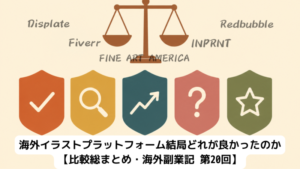
The big comparison of 5 overseas platforms is here
Part 1 summary
The reason I couldn’t log in for 2 months was that my artist account had been created from the start with a different email address. Even verifying with private mode and developer tools didn’t solve it, and support’s answer was “merging is not possible.” I then hit an error even on a new registration — but by using Gmail’s “+ address” trick, I was finally able to create a new artist account.
However, just having an account only puts me at the starting point. Next time, I’ll finally upload works.
…But there, too, a high hurdle unique to Displate was waiting. That continuation is in Part 2.

Comments