

Last time, I wrote this:
“My shop had been in an unpublished state. I’ll write the cause in detail next time.”
Thank you for waiting. Today I’ll fully confess the true identity of “that setting.”
To give the conclusion: the culprit was PayPal (official site). And rather than fighting to exhaustion, the punchline is even more anticlimactic: midway, I had completely “forgotten it existed” (laughs).
Previous: Why My Redbubble Shop Was Unpublished for About a Month and a Half
Past Midnight, I Take on PayPal Registration
To publish a Redbubble shop, setting a payment method is mandatory. Living in Japan, PayPal is the only choice — Claude had taught me that.
“Alright, I’ll finish this tonight,” I said, opening PayPal’s registration screen after midnight.
Phone number SMS verification. Password creation. Entering nationality, date of birth, my name in kanji and katakana. Registering my address. Agreements regarding the Payment Services Act and the Foreign Exchange Act.
Honestly, I was bracing myself. With overseas services’ identity verification, you usually stumble somewhere (the Displate matter is still fresh in my memory…).
But this time was different. Because I proceeded while checking each screen one by one with Claude, there were almost no moments of confusion.
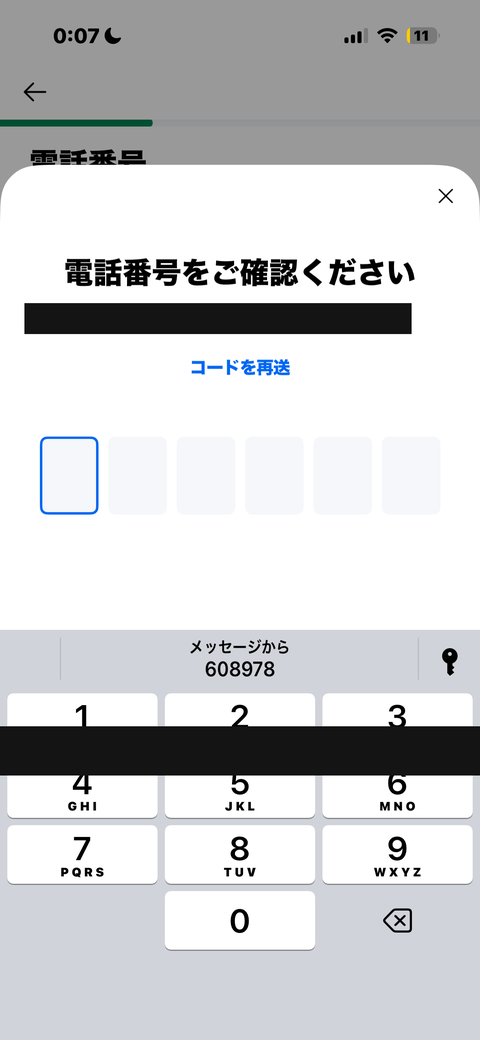
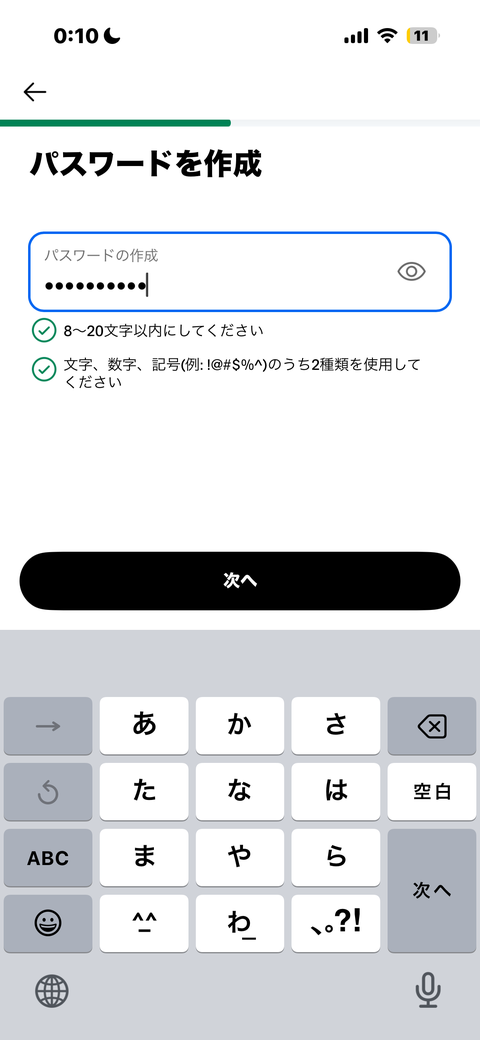
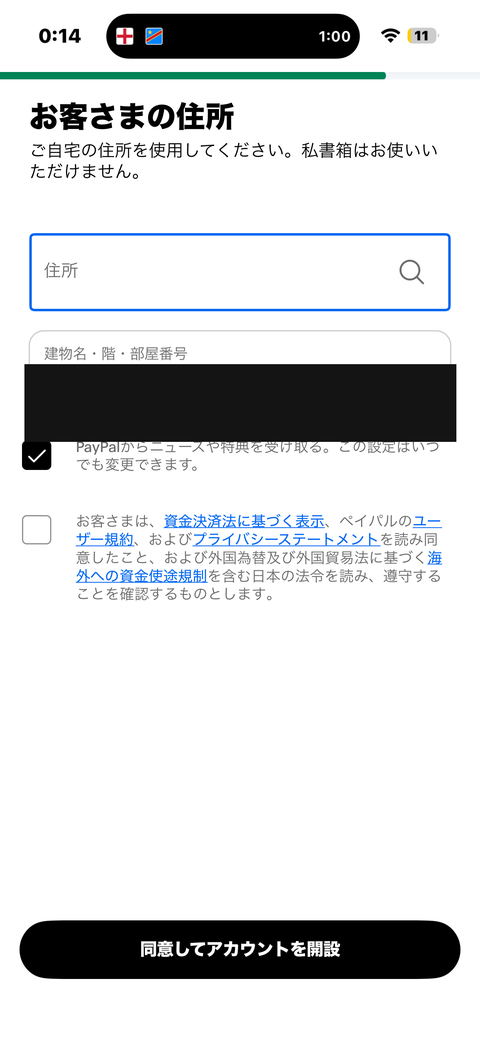
Until the “Thank you for registering” screen appeared, it felt like less than 10 minutes.
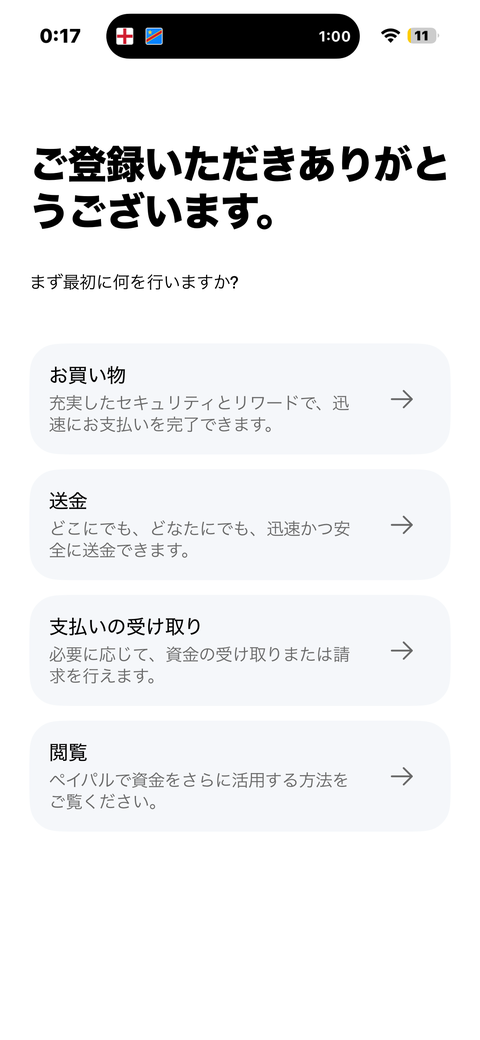
I remember feeling a little proud: “Well, that was surprisingly easy.”
The Moment My Heart Broke at “Select Bank”
I had let my guard down.
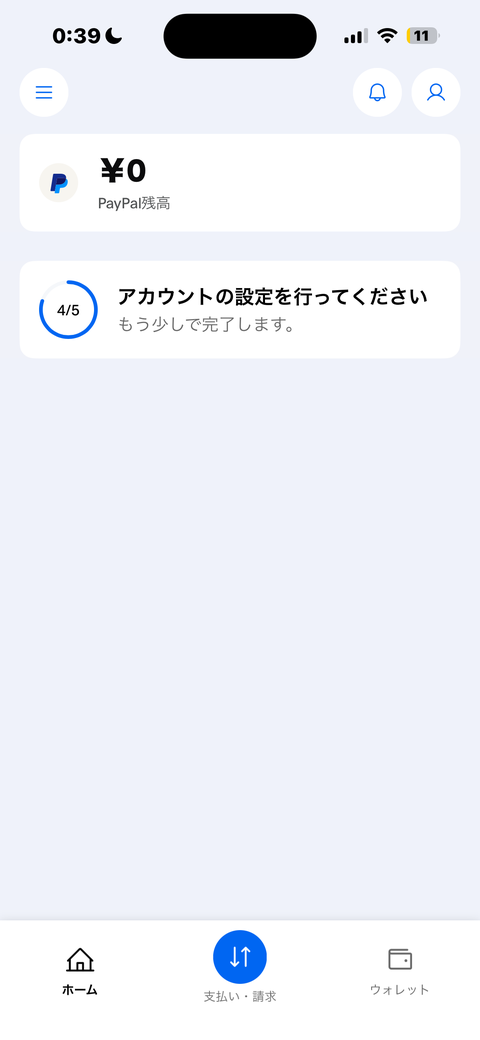
Back on the home screen: “Please complete your account setup (4/5).” One more to go. I thought it would be a breeze.
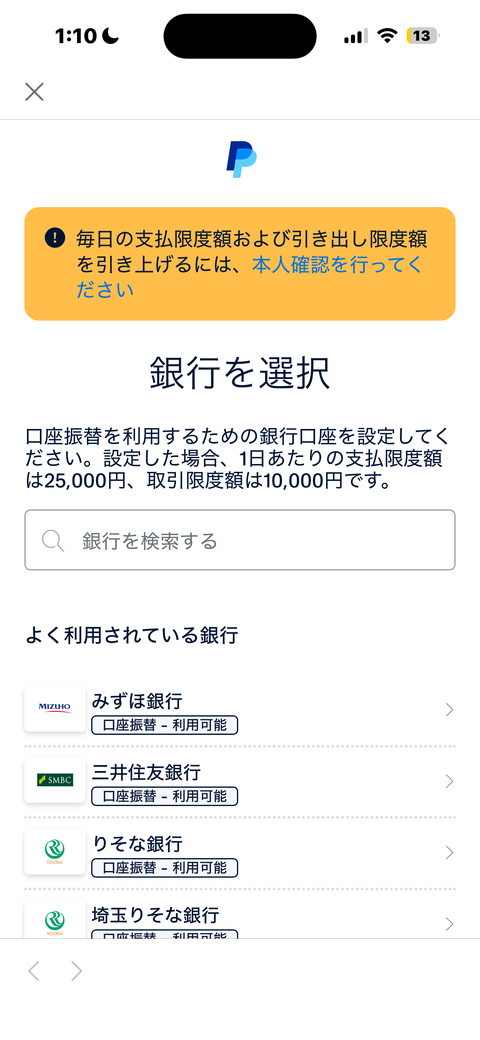
Where I proceeded to was the “Select Bank” screen — choosing a bank for setting up direct debit.
I typed my bank’s name into the search box.
It doesn’t appear.
The “frequently used banks” list has the majors lined up — Mizuho, Sumitomo Mitsui, Resona, Saitama Resona… — but my own account is nowhere to be found. (Supported banks can be checked on the official site.)
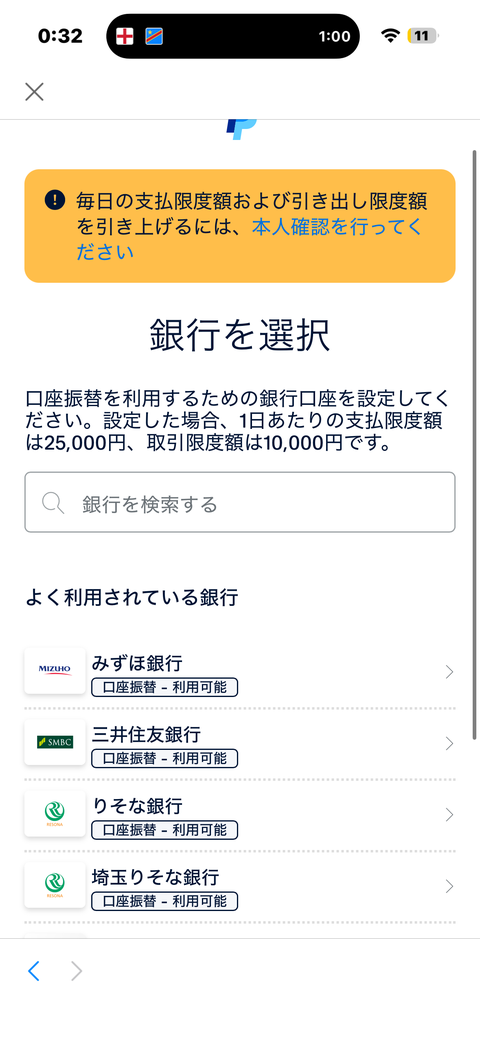
Here, my heart completely broke.
“I’ll stop here for today” — thinking that was my undoing. I completely forgot about this continuation for two whole months.
The “Homework” That Had Vanished from Memory
For about two months after that, the Redbubble shop quietly remained unpublished, continuing to renew its zero-visitor record (as I reported in Vol. 15).
Tilting my head — “why is it unpublished?” — while having completely forgotten the cause. When writing this article, I looked back at the screenshots from that time and finally remembered.
“Ah… I couldn’t find the bank, so I left it.”
I was exasperated with myself. Rather than giving up after a struggle, I had forgotten I was even struggling. This too is a fairly, honestly embarrassing story.
The Shocking Fact: It Was Actually Irrelevant to “Receiving”
Here is this article’s main point. To write this piece, I checked PayPal’s official support pages together with Claude. Then an unexpected fact became clear.
The procedure of “registering a bank account” on PayPal (direct debit setup) was mainly a feature for these two purposes:
- When withdrawing your PayPal balance to an actual bank account
- When paying directly from a bank account
In other words, if you only receive money from overseas platforms like Redbubble, having a live PayPal account (email address) was very likely sufficient.
For two months, I had assumed “unless I solve the bank problem, the shop can’t be published” and left it alone — but in reality, at the point I entered my PayPal email address in Redbubble’s payment settings screen, the receiving setup itself seems to have been ready (and indeed, the shop was published afterward).
Maybe there was no need for my heart to break (laughs).
Even So, the Bank Problem Isn’t Over Yet
Learning that “receiving was unaffected” eased my mind a little, and, undeterred, I challenged the “Select Bank” screen once more.
Glancing at the wallet screen, a VISA card (ending in 5190) was already registered. “Wait, if I have this, maybe I don’t need a bank?” I got excited for a moment — but according to Claude, this is a card for paying, not an account for withdrawing. My wishful thinking ended in an instant.
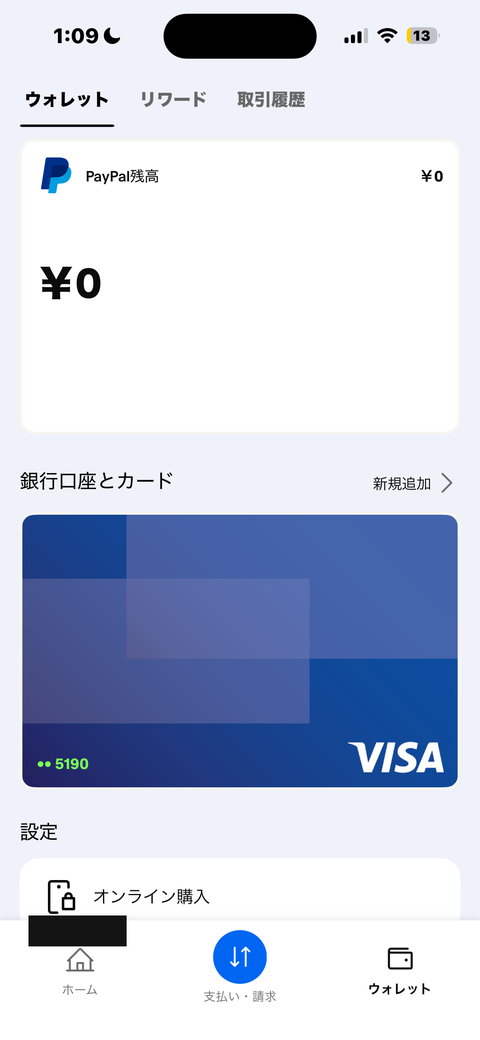
Regaining my composure, I tapped “Add new” under “Banks and cards.” This time a different screen should appear — or so I thought.
The exact same “Select Bank” screen. The same list of about 350 lines was looking down at me again. Rakuten Bank, still not there. Claude’s suggestion missed spectacularly, too (laughs).
The Road to “Banks Nationwide” Lay Beyond the Business Account
Here, Claude dug deeper into PayPal’s official support pages for me, and the mystery was finally solved.
The line “When withdrawing your balance to a bank, you can register banks nationwide” — this guidance was actually for business accounts only.
What I had been using all along was a “Personal” account. That’s why, no matter how many times I tried, I couldn’t escape the same limited list.
Come to think of it, I had already filed my business opening registration as a sole proprietor this April. My trade name is “morirancru.” Perhaps PayPal, too, should properly have been operated as a business account.
I’ll Stop Here for Today
Past 1 a.m., honestly my heart was close to breaking again (laughs). Switching to a business account itself doesn’t seem technically that difficult — most of the information I gathered for the business opening filing can be used almost as-is.
But it’s not a task to do in today’s mood. So the complete settlement of the bank problem is carried over to a later installment. I have a feeling it will become fresh material as “My Battle to Convert PayPal to a Business Account.”
What I Learned This Time
Thinking “I have to complete the payment settings,” I tried to fill in every item on the checklist, and as a result braced myself more than necessary.
What I learned this time is the importance of distinguishing “what’s needed right now” from “what can wait without trouble.” Because I try to settle everything at once, one wall breaks my heart, and it ends up left alone for two months.
Next time, I plan to deliver the battle story surrounding Displate verification. As for the bank problem and the business-account conversion, I’ll report again in due course.
The big comparison of 5 overseas platforms is here


Comments